Components
DragOverlay
Render a custom element as visual feedback during drag operations.
Overview
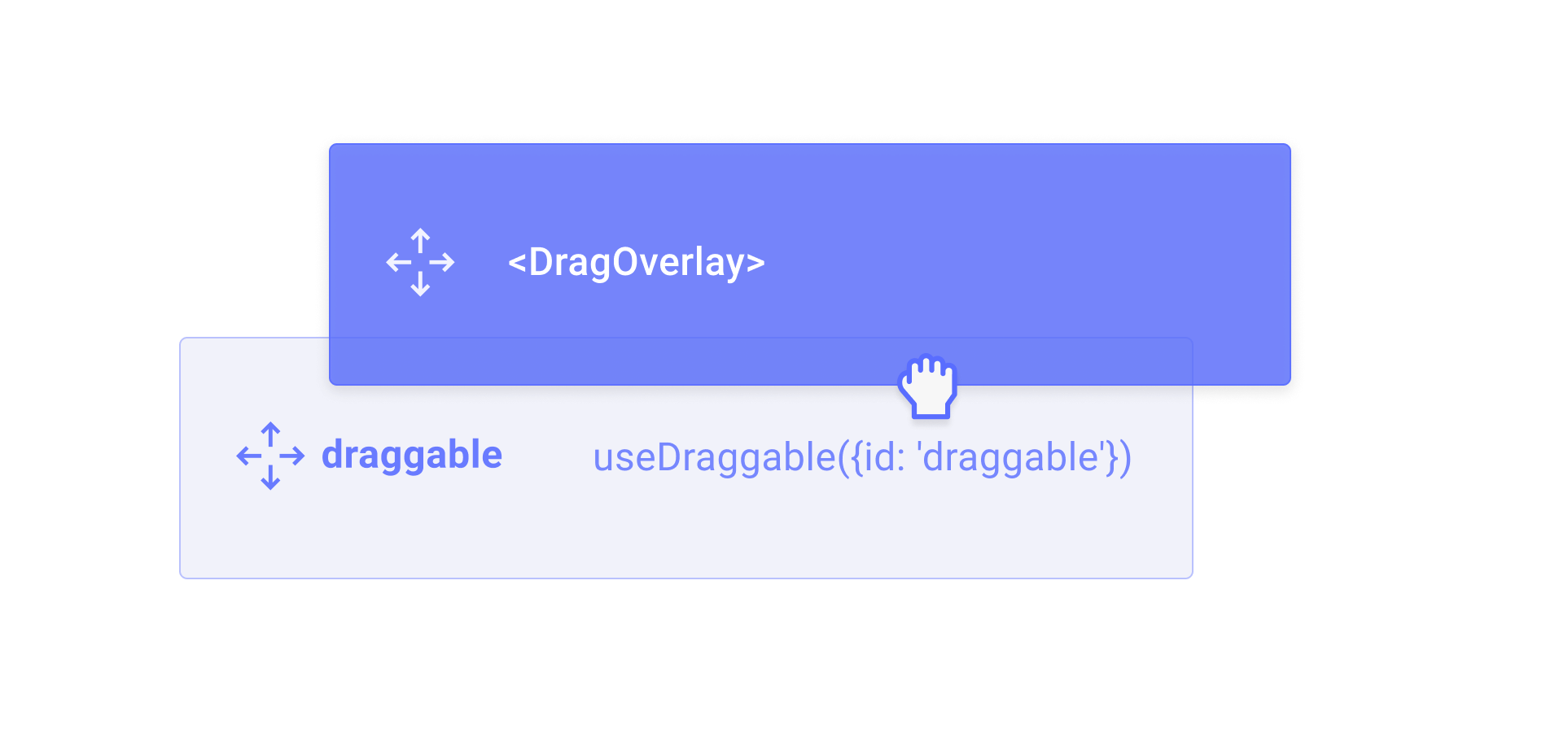
The DragOverlay component renders a custom overlay element while a drag operation is in progress. This allows you to display a completely different element than the one being dragged, which is useful for rendering a styled clone, a preview, or a simplified representation of the dragged element.
Usage
Import and place the DragOverlay component inside a DragDropProvider. Its children will only be rendered when a drag operation is active.
import {DragDropProvider, DragOverlay, useDraggable} from '@dnd-kit/solid';

function Draggable() {
  const {ref} = useDraggable({id: 'draggable'});

  return (
    <>
      <button ref={ref}>Draggable</button>
      <DragOverlay>
        <div>I will be rendered while dragging...</div>
      </DragOverlay>
    </>
  );
}
You should only render the DragOverlay component once per DragDropProvider component.
Rendering based on the drag source
You can pass a function as a child to the DragOverlay component, which will receive the source as an argument. This is useful for rendering different content depending on which element is being dragged.
import {DragDropProvider, DragOverlay} from '@dnd-kit/solid';

function App() {
  return (
    <DragDropProvider>
      <Draggable id="foo" />
      <Draggable id="bar" />
      <DragOverlay>
        {source => (
          <div>Dragging {source.id}</div>
        )}
      </DragOverlay>
    </DragDropProvider>
  );
}
Customizing the drop animation
By default, when a drag operation ends, the overlay animates back to the position of the source element. You can customize or disable this animation using the dropAnimation prop.
{/* Disable the drop animation */}
<DragOverlay dropAnimation={null}>
  <div>No animation on drop</div>
</DragOverlay>

{/* Customize the animation timing */}
<DragOverlay dropAnimation={{ duration: 150, easing: 'ease-out' }}>
  <div>Fast drop animation</div>
</DragOverlay>
Props
The content to render as the drag overlay. Only rendered when a drag operation is in progress. Can be a JSX element or a function that receives the drag source as an argument.
The component or HTML tag to render as the overlay wrapper element.
Whether the drag overlay is disabled. Can be a boolean or a function that receives the current drag source.
Customize or disable the drop animation that plays when a drag operation ends.
undefined– use the default animation (250msease)null– disable the drop animation entirely{duration, easing}– customize the animation timing(context) => Promise<void> | void– provide a fully custom animation function
CSS class name for the overlay wrapper element.
Inline styles for the overlay wrapper element.