
Primitives
createDraggable
Make elements draggable with the createDraggable primitive.
Usage
The createDraggable primitive requires a unique id. It returns an object with attach and attachHandle functions for connecting elements, and reactive state properties.
Input
All input properties accept plain values or getter functions for reactivity.
A unique identifier for this draggable instance.
Whether the draggable is disabled.
An array of plugin descriptors for per-entity plugin configuration. Use Plugin.configure() to create descriptors. For example, Feedback.configure({ feedback: 'clone' }).
Modifiers to apply to this draggable instance.
Sensors to use for this draggable instance.
Custom data to attach to this draggable instance.
Output
The returned object provides reactive properties and attachment functions:
Whether this element is currently being dragged (visually).
Whether this element is in the process of being dropped (animating to final position).
Whether this element is the source of the current drag operation.
The underlying Draggable instance.
Attachment function for the draggable element. Use with {@attach}.
Attachment function for a drag handle. Use with {@attach}.
Guides
Using drag handles
You can use attachHandle to designate a specific element as the drag handle:
<script>
  import {createDraggable} from '@dnd-kit/svelte';

  const draggable = createDraggable({id: 'draggable'});
</script>

<div {@attach draggable.attach}>
  Drag me by the handle
  <button {@attach draggable.attachHandle} class="handle" />
</div>
Rendering a drag overlay
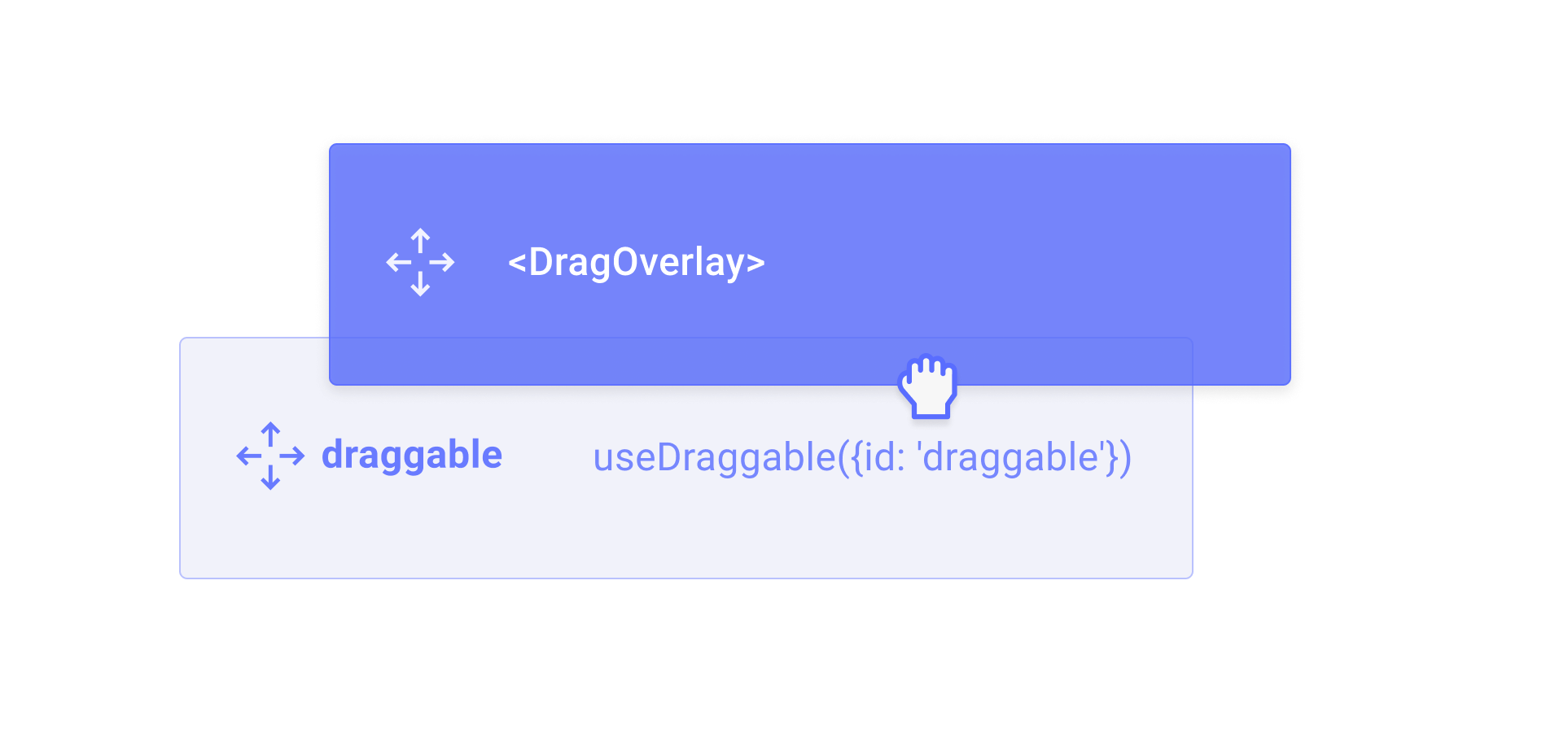
You can render a completely different element while the draggable element is being dragged by using the <DragOverlay> component.
<script>
  import {DragDropProvider, DragOverlay, createDraggable} from '@dnd-kit/svelte';

  const draggable = createDraggable({id: 'draggable'});
</script>

<DragDropProvider>
  <button {@attach draggable.attach}>Draggable</button>
  <DragOverlay>
    {#snippet children(source)}
      <div>I will be rendered while dragging...</div>
    {/snippet}
  </DragOverlay>
</DragDropProvider>
The <DragOverlay> component will only render its children when a drag operation is in progress. This can be useful for rendering a completely different element while the draggable element is being dragged.
You should only render the <DragOverlay> component once per DragDropProvider.